Mobile App Development
1. what is Mobile App Development?
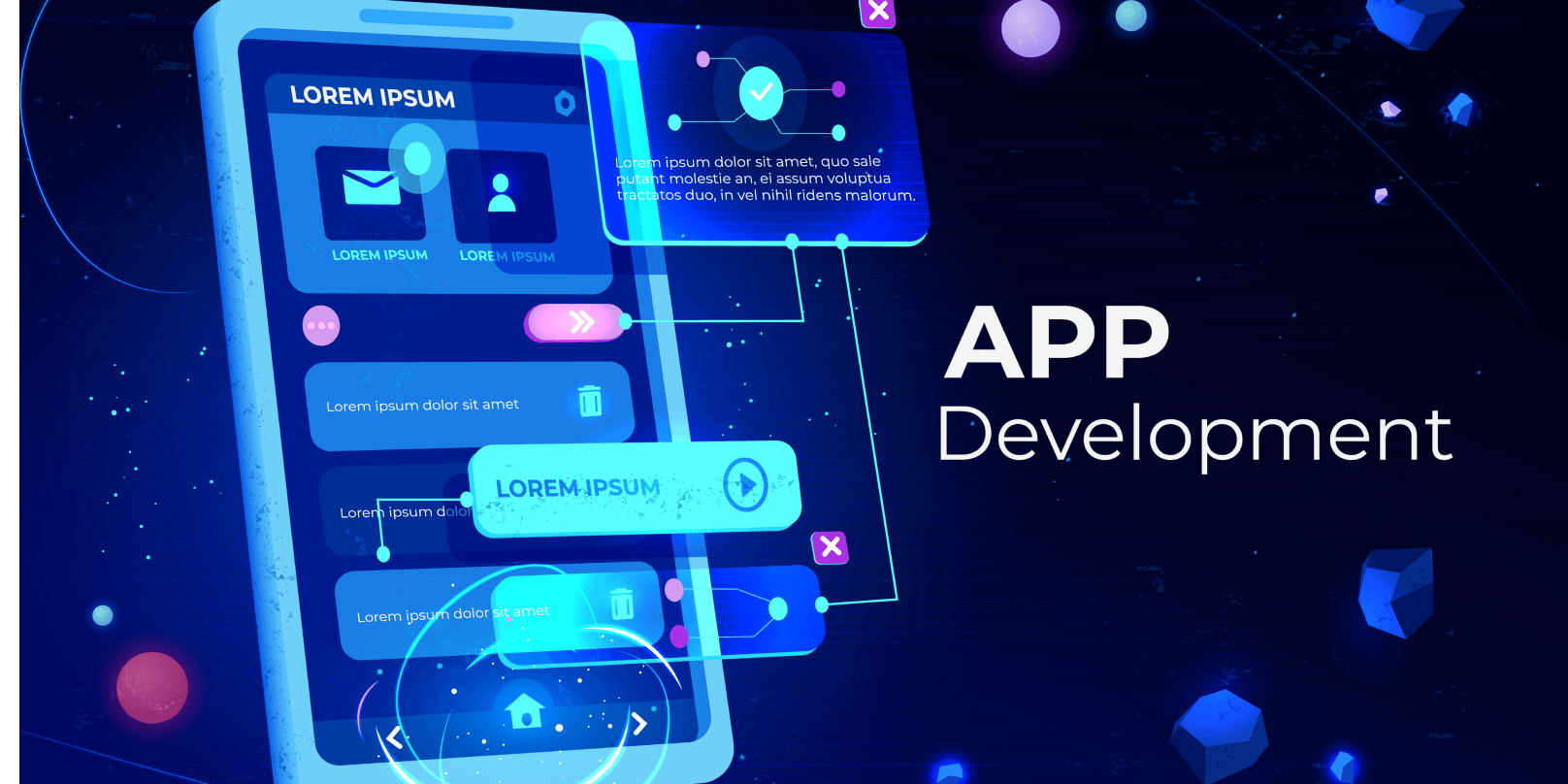
Mobile App Development is the process of creating software applications that run on mobile devices like smartphones and tablets. These applications can be developed for different operating systems, primarily Android (by Google) and iOS (by Apple). The development process involves designing, coding, testing, and deploying the application to app stores like Google Play Store and Apple App Store. Mobile app development can be done using native, hybrid, or cross-platform approaches, depending on the app’s requirements and target audience.
In native development, apps are built using platform-specific languages such as Java or Kotlin for Android and Swift or Objective-C for iOS. This method provides better performance, faster execution, and full access to device-specific features like cameras, sensors, and GPS. However, it requires separate codebases for each platform, making development time-consuming and costly. Hybrid and cross-platform development, using frameworks like Flutter, React Native, and Xamarin, allow developers to write a single codebase that works on both Android and iOS, reducing development time and cost.
The mobile app development lifecycle involves several stages: planning, UI/UX design, development, testing, and deployment. During development, programmers focus on functionality, security, and user experience. Modern apps often integrate advanced features like AI, augmented reality (AR), and cloud services. As mobile technology evolves, the demand for scalable, user-friendly, and secure apps continues to grow, making mobile app development a crucial part of the digital ecosystem.
2.Native vs Cross-platform Development
Native vs Cross-platform Development
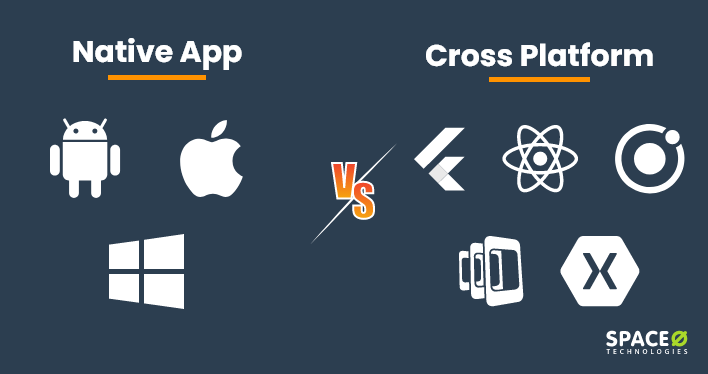
Native development refers to building mobile applications specifically for a particular operating system, such as Android or iOS, using platform-specific programming languages. For Android, developers use Java or Kotlin, while Swift or Objective-C is used for iOS. Native apps provide superior performance, as they directly interact with the device's hardware and utilize the system's APIs. This approach allows access to device-specific features like the camera, GPS, and sensors. However, the main drawback of native development is that it requires separate codebases for each platform, which increases development time, effort, and maintenance. Despite the higher costs, native development is often chosen for apps requiring high performance, complex animations, or advanced functionalities like gaming or AR/VR applications.
Cross-platform development, on the other hand, allows developers to create a single codebase that can run on multiple operating systems. Popular frameworks like React Native, Flutter, and Xamarin enable the development of apps that work seamlessly on both Android and iOS. This approach reduces development time and costs significantly by eliminating the need to write and maintain separate codebases. Although cross-platform frameworks have advanced considerably, they still face performance limitations when handling heavy workloads or accessing platform-specific features. However, for businesses seeking a faster time-to-market and cost efficiency, cross-platform development provides an ideal solution, especially for small to medium-scale applications.
When choosing between native and cross-platform development, factors like budget, performance requirements, and user experience play a crucial role. Native apps are the best choice for high-performance applications and complex functionalities, offering a smoother user experience. In contrast, cross-platform apps are ideal for simpler projects or when the goal is to reach a broader audience quickly with a limited budget. Many companies today adopt a hybrid approach, combining native and cross-platform development to leverage the benefits of both methodologies, ensuring optimal performance while maintaining development efficiency.
3.Flutter vs React Native
Flutter vs React Native
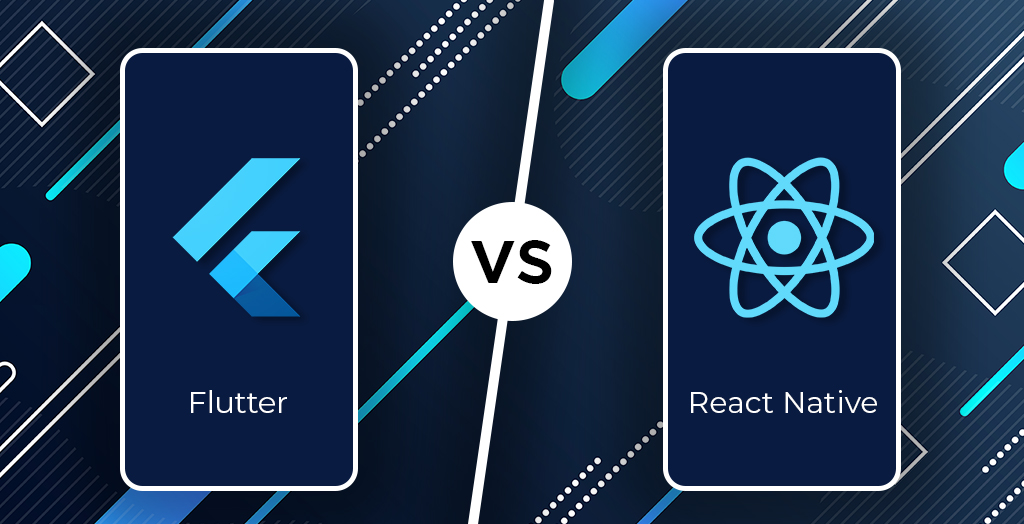
are two of the most popular cross-platform frameworks for building mobile applications. Both allow developers to create apps for Android and iOS using a single codebase, but they differ in terms of performance, architecture, language, and ecosystem.Flutter, developed by Google, uses Dart programming language and provides a rich set of pre-designed widgets for creating highly customizable user interfaces. Its architecture is based on Skia, a powerful 2D rendering engine that renders the UI directly on the screen. This results in smooth performance and native-like speed, especially for complex applications. Flutter apps offer consistent UI across platforms because they do not rely on native components. However, Flutter has a steeper learning curve due to Dart, which is less common than JavaScript, and the app size tends to be larger. Flutter is best suited for high-performance applications, custom designs, and brands requiring pixel-perfect UI..
React Native, created by Facebook, uses JavaScript (or TypeScript) and leverages native components through a bridge. It allows for fast development through features like hot reloading, which enables real-time updates during coding. Since JavaScript is widely used, many developers find React Native easier to learn. However, the performance of React Native apps may suffer for graphics-heavy applications because of the communication bridge between JavaScript and native code. Despite these limitations, React Native has a large community, making it easier to find resources, third-party libraries, and support. It is ideal for business applications, MVPs (Minimum Viable Products), and projects with tight deadlines.
JIn conclusion, Flutter is the better choice for performance-intensive applications and custom UIs, while React Native is ideal for projects that require faster development and access to a larger developer community. Both frameworks have their strengths, and the decision depends on project complexity, performance needs, and developer expertise.
4.Mobile UI/UX Design
Mobile UI/UX Design
focuses on creating user-friendly, visually appealing, and functional interfaces for mobile applications. UI (User Interface) refers to the visual elements—such as buttons, menus, and screens—that users interact with, while UX (User Experience) is about the overall feel and functionality of the app. A well-designed mobile UI/UX ensures easy navigation, faster task completion, and user satisfaction. Designers must consider factors like screen size, touch gestures, and user behavior to create an intuitive experience. Using design principles such as consistency, simplicity, and clarity helps provide a seamless user journey across different devices and platforms.
Effective mobile UI/UX design involves following guidelines from major platforms like Google’s Material Design for Android and Apple’s Human Interface Guidelines for iOS. These standards ensure that the app feels native to the user’s device. Key design practices include responsive layouts to adapt to different screen sizes, easy-to-read typography, and accessible color schemes. Incorporating user feedback through usability testing helps improve the app’s usability and address pain points. Additionally, using micro-interactions like animations and transitions enhances user engagement by providing real-time feedback and guiding users through the interface.
A successful mobile UI/UX also focuses on performance optimization and load times to prevent frustration. Features like lazy loading, image optimization, and caching improve speed and responsiveness. Designers prioritize touch-friendly interfaces with large, tappable areas to accommodate finger gestures. Furthermore, accessibility features like voice commands, screen readers, and contrast settings ensure that the app is usable by a wider audience, including people with disabilities. In today’s competitive digital world, a well-crafted mobile UI/UX not only attracts users but also enhances retention and business growth.
5.Mobile App Security
Mobile App Security
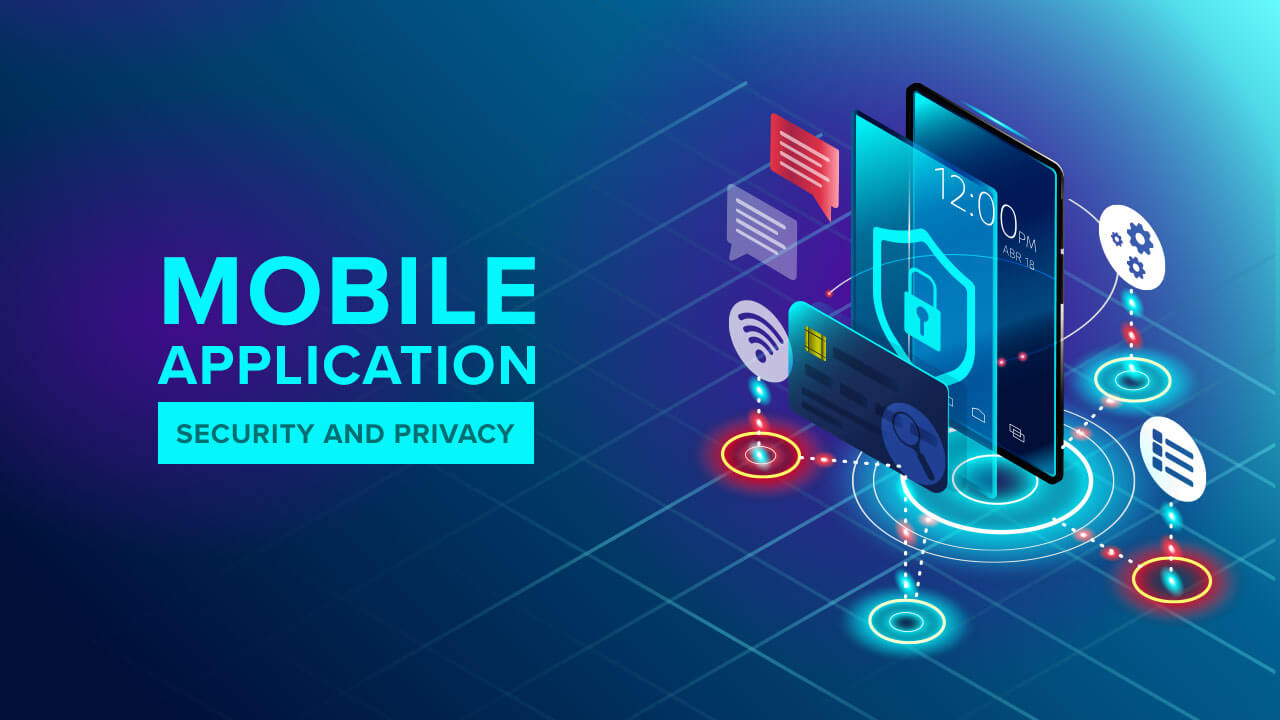
refers to protecting mobile applications from threats like data breaches, malware attacks, and unauthorized access. With the increasing reliance on mobile apps for banking, healthcare, and communication, ensuring robust security is essential to protect sensitive user information. Key practices include encrypting data to prevent interception, implementing secure authentication (such as multi-factor authentication), and regular security updates to patch vulnerabilities. Developers follow secure coding practices to prevent common threats like SQL injection, cross-site scripting (XSS), and man-in-the-middle (MITM) attacks. Protecting both data at rest (stored data) and data in transit (data being transferred) is critical for comprehensive security.
User authentication and authorization are central to mobile app security. Implementing OAuth 2.0, OpenID Connect, and biometric authentication (like fingerprint and facial recognition) enhances user verification and reduces the risk of unauthorized access. Token-based authentication ensures secure session management, preventing session hijacking. In addition, secure APIs (Application Programming Interfaces) are crucial for app functionality. APIs must be protected with rate limiting, access controls, and input validation to prevent malicious exploitation. Regular security audits and penetration testing identify and mitigate potential vulnerabilities before they can be exploited.
To further strengthen mobile app security, developers implement code obfuscation to make reverse-engineering difficult and sandboxing to isolate app processes. Data leakage prevention involves limiting permissions and using secure storage solutions like Android Keystore and iOS Keychain. Protecting user privacy by adhering to regulations like GDPR and CCPA ensures compliance and builds trust. Additionally, remote data wiping and app integrity checks provide an extra layer of security for handling stolen devices or compromised apps. A multi-layered security approach not only protects user data but also ensures the reliability and trustworthiness of mobile applications in an increasingly connected world.
6.Mobile Game Development
Mobile Game Development
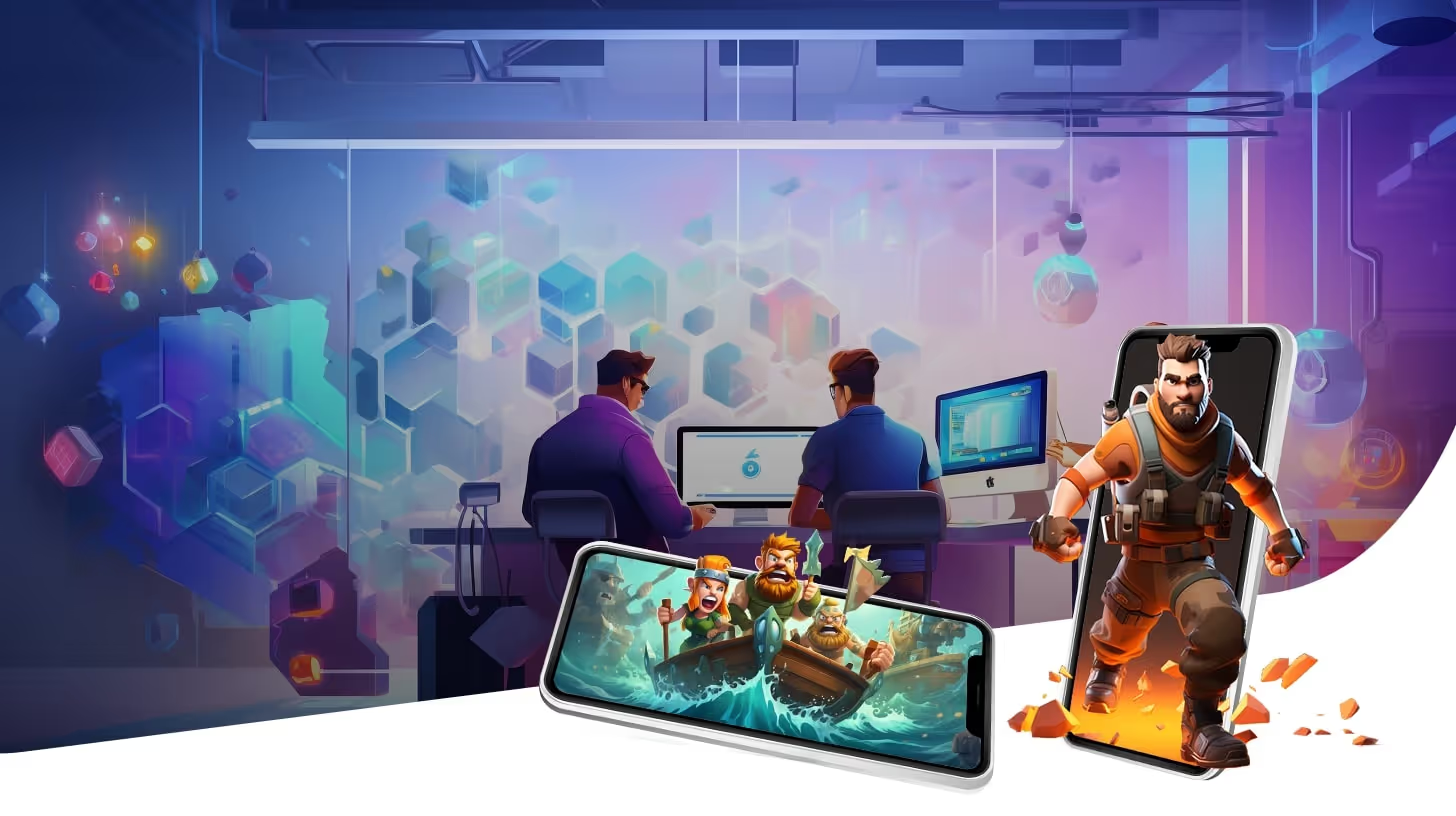
is the process of designing, building, and launching games specifically for mobile devices like smartphones and tablets. It involves a combination of programming, art design, sound engineering, and user experience (UX) optimization. Developers use game engines like Unity, Unreal Engine, and Godot to create engaging 2D and 3D experiences. These engines provide pre-built tools for graphics rendering, physics simulation, and cross-platform deployment, making it easier to develop games for iOS and Android. Popular genres include action, puzzle, RPG (Role-Playing Games), and battle royale, each requiring specific gameplay mechanics and performance optimization to ensure a smooth user experience.
A critical aspect of mobile game development is performance optimization. Mobile devices have limited processing power and battery life, so games must be optimized to run efficiently. Techniques include reducing asset sizes, using low-poly models, and implementing dynamic resolution scaling. Developers also focus on frame rate optimization to maintain smooth animations and responsive controls. Testing across various device models and operating system versions is crucial to ensure compatibility. Additionally, developers implement cloud saves and cross-platform play to enhance the player experience and allow game progress synchronization across multiple devices.
Monetization is another essential element in mobile game development. Popular models include freemium (free to play with in-app purchases), ads-based, and premium (paid upfront). In freemium games, players can access the game for free but pay for additional content, such as new levels, characters, or cosmetic items. Rewarded ads offer players in-game benefits in exchange for watching advertisements. Successful monetization strategies balance user engagement with revenue generation. Continuous updates, new content, and community engagement through events or social media help keep players invested and ensure the long-term success of a mobile game.
7.App Store Optimization (ASO)
App Store Optimization (ASO)
is the process of improving a mobile app’s visibility and ranking in app stores like Apple App Store and Google Play Store. The goal is to attract more organic downloads by optimizing key elements that affect search results and user decisions. Important ASO factors include app title, keywords, description, icon design, and screenshots. For example, using relevant keywords in the app title and description helps the app rank higher in search results. A clear, attractive icon and engaging visuals (screenshots or preview videos) encourage users to click and install the app. Regularly updating the app with new features and addressing user feedback also improves visibility and user trust.
One critical aspect of ASO is keyword optimization. Researching and selecting high-traffic, low-competition keywords ensures the app appears in relevant searches. Keywords should be included in the app title, subtitle, and description without overstuffing. For example, a fitness app may use keywords like “workout planner,” “home exercises,” and “weight loss.” App developers use ASO tools like AppTweak, Sensor Tower, and MobileAction to track keyword performance and identify opportunities for improvement. Additionally, analyzing competitor strategies helps identify gaps and new keyword opportunities for better rankings.
User engagement and ratings also play a major role in ASO. Apps with higher ratings and positive reviews rank better and are more likely to be downloaded. Encouraging satisfied users to leave positive feedback boosts app credibility. Developers often use push notifications, in-app prompts, and reward incentives to increase reviews. Furthermore, monitoring performance metrics like click-through rate (CTR) and conversion rate helps identify areas for improvement. Consistent A/B testing of app elements, like screenshots and app descriptions, allows developers to refine their ASO strategy and maximize downloads over time.
.webp)
8.AR/VR in Mobile Apps
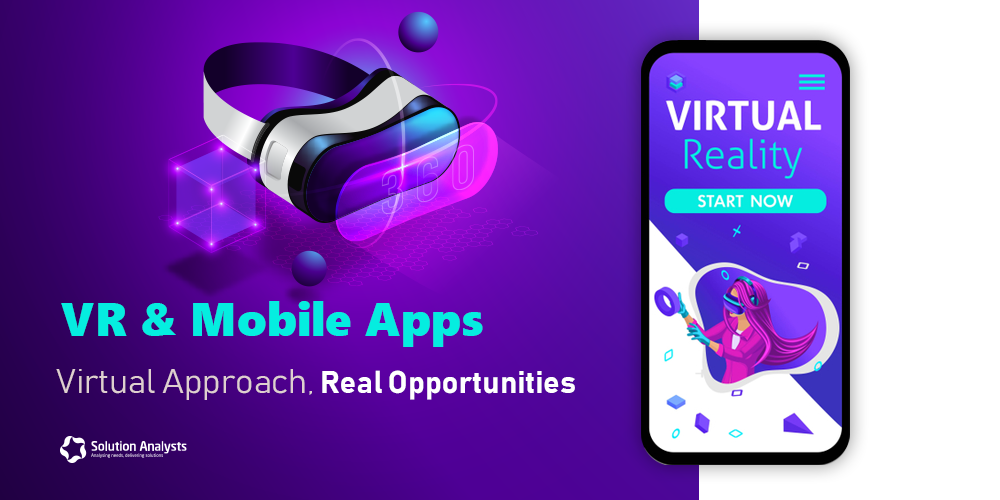
AR/VR in Mobile Appstechnologies have transformed the mobile app industry by offering immersive and interactive experiences. AR overlays digital objects onto the real world through a smartphone camera, while VR creates a completely virtual environment that users can explore using VR headsets. Many industries, including gaming, e-commerce, education, and healthcare, are adopting AR/VR to enhance user engagement. For example, Pokémon GO uses AR to place virtual creatures in real-world locations, while Google Cardboard allows users to experience VR on their phones with affordable headsets. The growing 5G networks and advanced smartphone hardware enable faster, smoother, and more realistic AR/VR experiences.
In e-commerce, AR/VR is revolutionizing how customers try and buy products. AR-based virtual try-ons allow users to see how products like clothes, makeup, or furniture would look in real life. For instance, IKEA Place enables users to visualize furniture in their homes before purchasing. Similarly, VR provides virtual showrooms where users can explore stores and products from the comfort of their homes. This technology not only improves customer satisfaction but also reduces product returns. Retailers leverage AR/VR to personalize shopping experiences, offering customized product previews and enhancing decision-making for consumers.
Education and training are also benefiting from AR/VR in mobile apps. AR apps like Google Expeditions allow students to explore 3D models of historical sites, while VR applications provide simulated environments for hands-on learning. For example, medical students can use VR to practice surgeries in a risk-free environment. These immersive learning experiences increase knowledge retention and engagement. As AR/VR technology advances, it is expected to play a bigger role in remote learning, corporate training, and entertainment, delivering innovative and practical solutions across industries.
AR/VR in Mobile Appstechnologies have transformed the mobile app industry by offering immersive and interactive experiences. AR overlays digital objects onto the real world through a smartphone camera, while VR creates a completely virtual environment that users can explore using VR headsets. Many industries, including gaming, e-commerce, education, and healthcare, are adopting AR/VR to enhance user engagement. For example, Pokémon GO uses AR to place virtual creatures in real-world locations, while Google Cardboard allows users to experience VR on their phones with affordable headsets. The growing 5G networks and advanced smartphone hardware enable faster, smoother, and more realistic AR/VR experiences.
In e-commerce, AR/VR is revolutionizing how customers try and buy products. AR-based virtual try-ons allow users to see how products like clothes, makeup, or furniture would look in real life. For instance, IKEA Place enables users to visualize furniture in their homes before purchasing. Similarly, VR provides virtual showrooms where users can explore stores and products from the comfort of their homes. This technology not only improves customer satisfaction but also reduces product returns. Retailers leverage AR/VR to personalize shopping experiences, offering customized product previews and enhancing decision-making for consumers.
Education and training are also benefiting from AR/VR in mobile apps. AR apps like Google Expeditions allow students to explore 3D models of historical sites, while VR applications provide simulated environments for hands-on learning. For example, medical students can use VR to practice surgeries in a risk-free environment. These immersive learning experiences increase knowledge retention and engagement. As AR/VR technology advances, it is expected to play a bigger role in remote learning, corporate training, and entertainment, delivering innovative and practical solutions across industries.
Comments